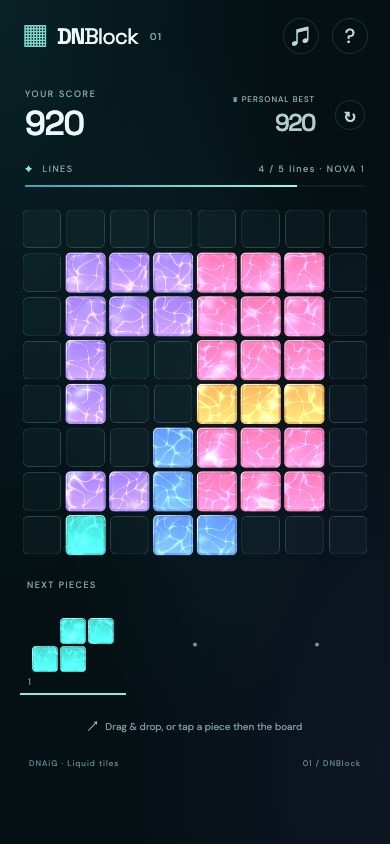
Block puzzle · Plan at your own pace
DNBlock
Place a hand of three shapes, clear complete rows and columns, and keep room for the next hand.
Seven games built with DNAiG. Each guide pairs an actual project view with controls, a worked decision and practical notes about continuing your progress.
| Make room and trace routes | DNBlock rewards space planning. DNConnectDot asks you to cover a grid without crossings. |
|---|---|
| Look carefully before acting | Search a themed letter board in DNHiddenWords, or line up a support-removing shot in DNPop. |
| React to a moving route | DNRunner combines track changes, hops and ducks. DNWarRun adds squad positioning and upgrades between deployments. |
| Solve, then build | DNMerge connects move-limited match puzzles to plants, paths and construction in a Living Garden. |
Block puzzle · Plan at your own pace
Place a hand of three shapes, clear complete rows and columns, and keep room for the next hand.
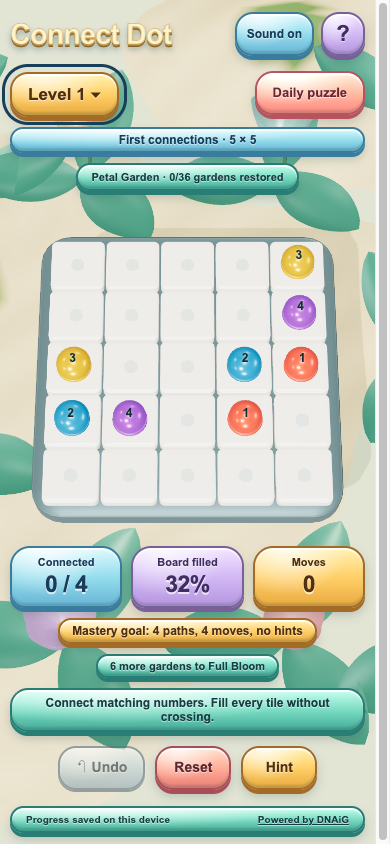
Route puzzle · Plan at your own pace
Join matching numbered dots without crossings, then check that your routes cover every cell.
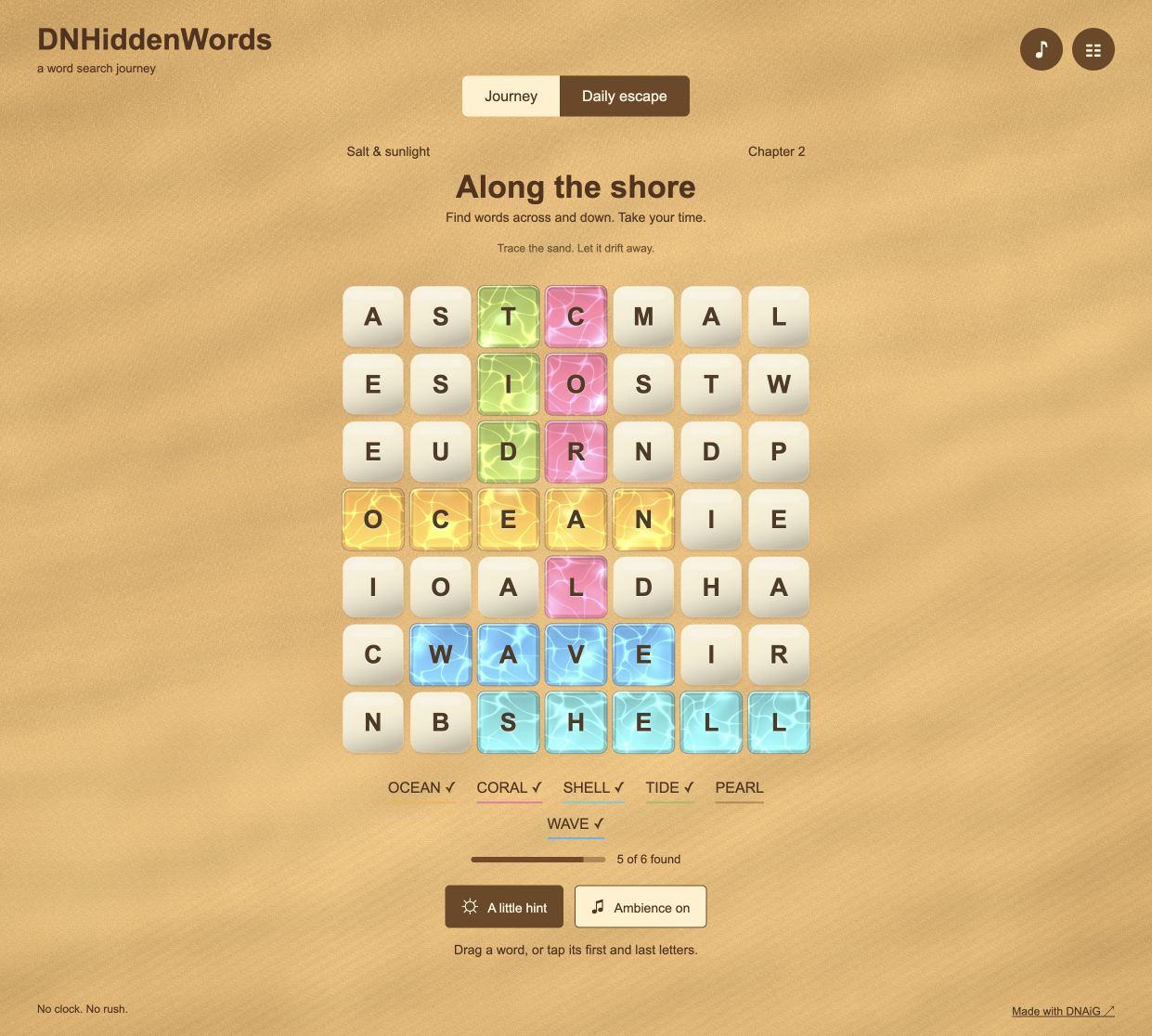
Word search · Plan at your own pace
Find the listed words in a themed letter board, with hints and a separate daily escape.
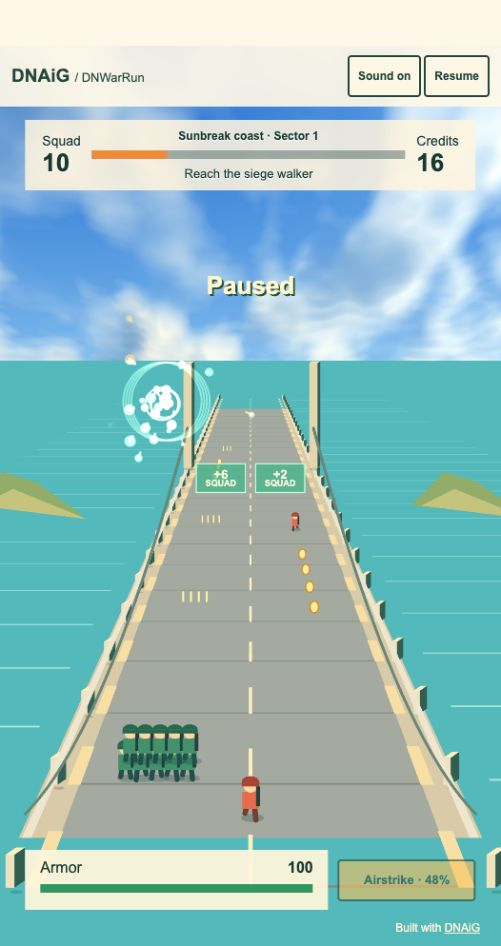
Squad runner · Quick reactions
Steer an automatically firing squad through gates and threats, then spend earned credits on the next deployment.
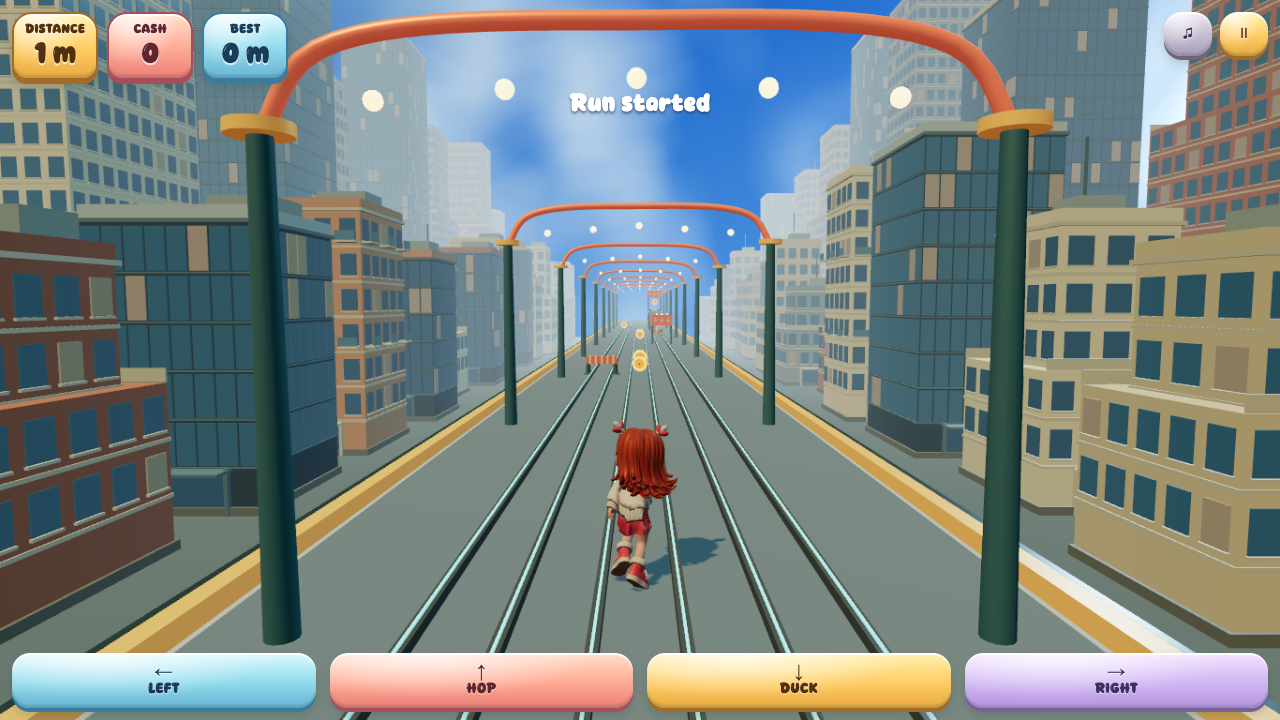
Rail runner · Quick reactions
Switch tracks, hop barriers, duck signs and collect cash through a moving city rail district.
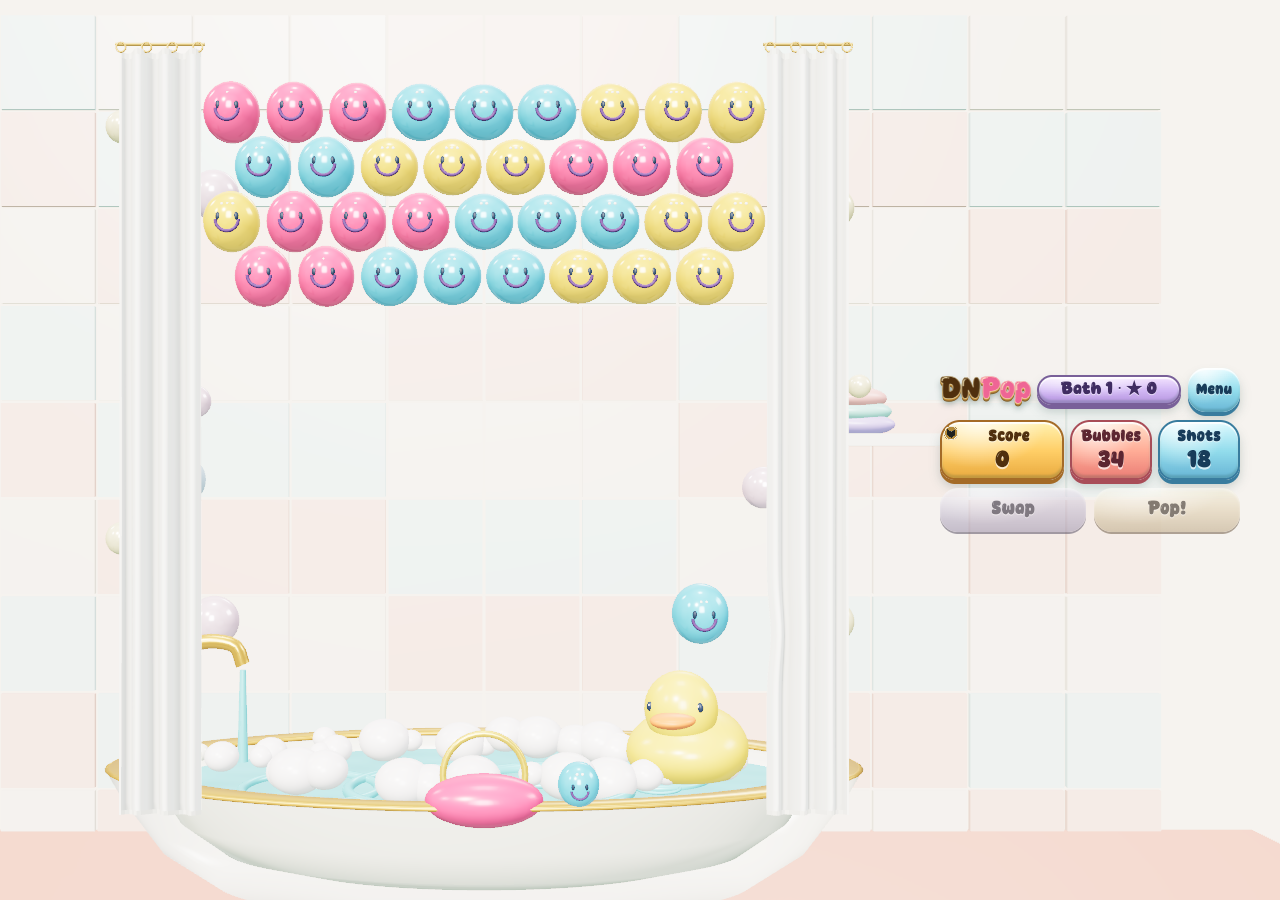
Bubble shooter · Aim at your own pace
Match three bubbles, use bank shots and remove supports to drop a larger group within your shot budget.
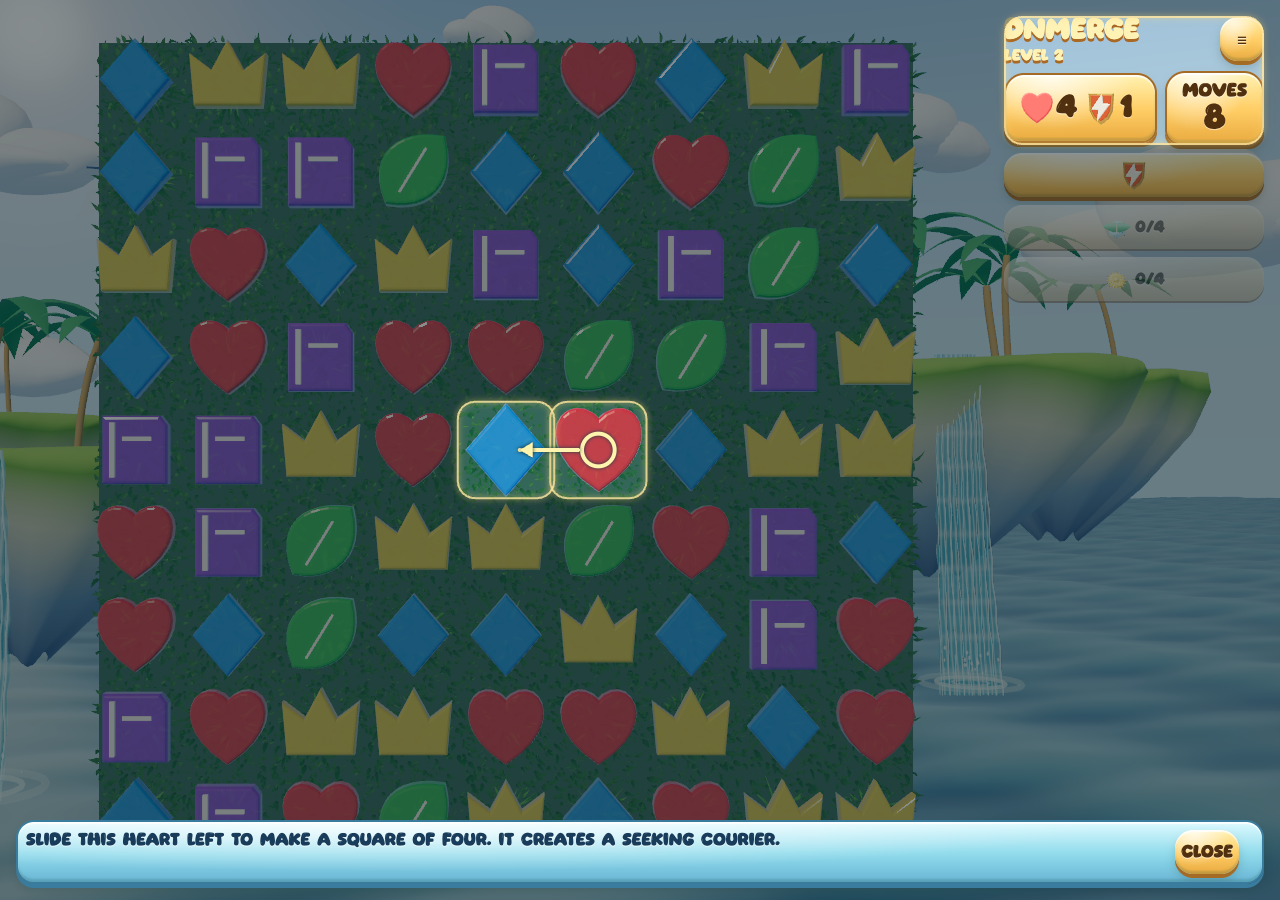
Match puzzle and garden · Plan at your own pace
Complete match-puzzle objectives, create and combine powers, then grow and build a Living Garden.
These links open the published browser games. A game’s Help and Options explain its current controls and preferences. Saved progress belongs to the browser or app that created it; changing browser profiles or clearing site data can remove that continuity.
Sound and motion can be adjusted inside the games. Loading a game in a browser is separate from installing a native app, and a home-screen shortcut alone does not establish offline support.