Word search · Player guide
DNHiddenWords: read the word list before searching the sand
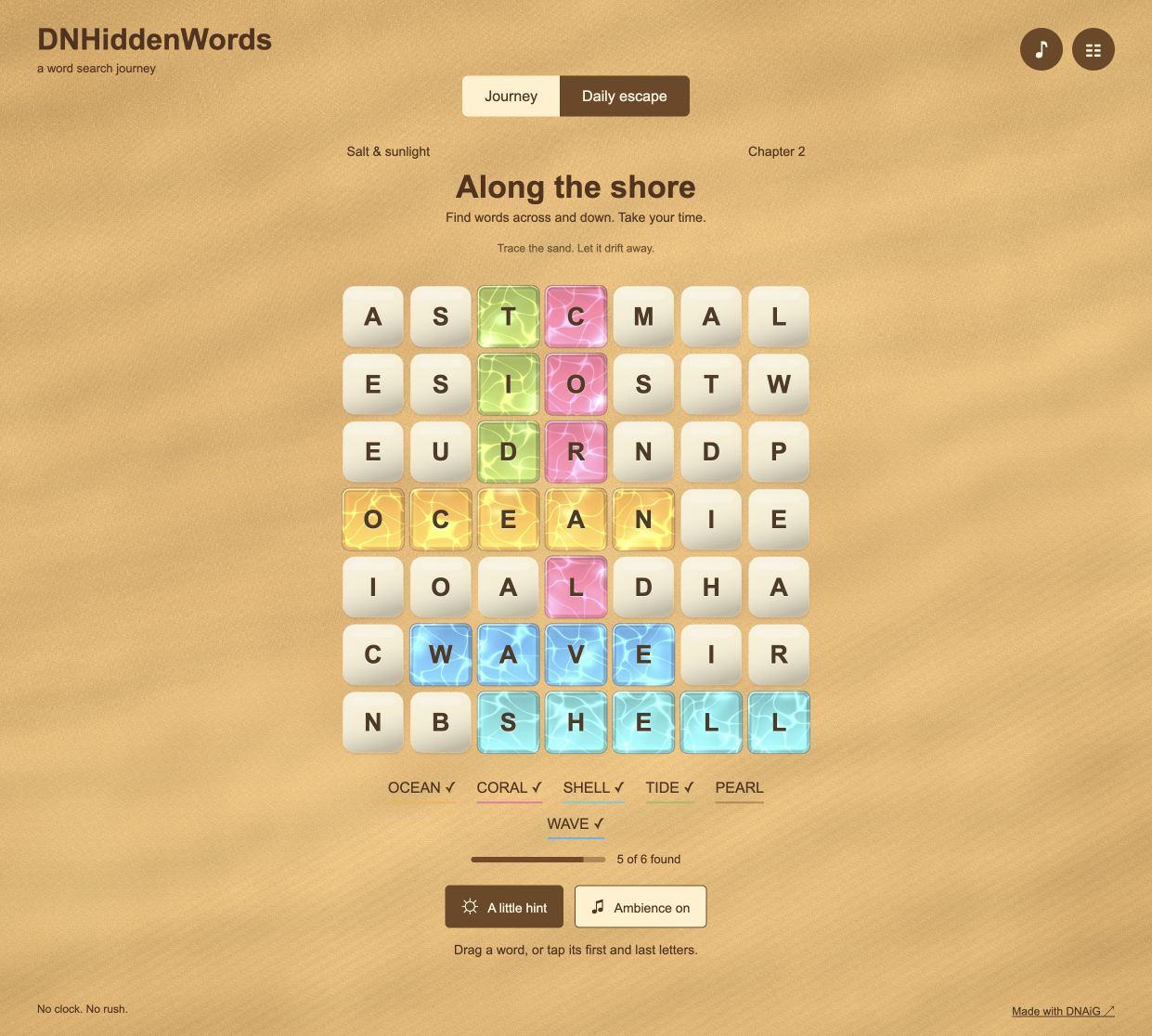
DNHiddenWords places a word-search grid in a quiet beach setting. The word list gives the search its boundaries: a familiar word in the filler letters is not necessarily a target for the current board.
Guide checked against the published game and project records on October 13, 2026.
How to play
- Read the target list and pick a word with an unusual letter or memorable ending.
- Locate a possible endpoint, then verify the neighboring letters before selecting.
- Find every listed word. Journey and Daily escape keep their progress separately.
Controls
- Mouse or touch
- Drag across a word, or tap its first and last letters for a straight selection. Follow the level’s directions when a new path type is introduced.
- Keyboard
- Move with arrows, choose endpoints with Space or Enter, and cancel with Escape.
Check the second letter before tracing
Suppose the target is SHELL. A board may contain several S cells. Start with one and inspect its immediate neighbors for H before tracing the whole word. If H is absent in an allowed direction, that S is not a useful starting point.
Once you see SH, continue checking E, L and L. In the introductory straight-line levels, those letters must stay in the same row or column. Later teaching introduces additional directions and path types; use the level’s Help rather than assuming that every word is horizontal.
Three decisions to practice
Search for the least common letter
A word containing an unusual letter is often easier to locate than one made entirely from common letters. Check both reading directions.
Use the hint as a starting point
The hint marks the opening letters. It narrows the search without completing the word, so you still need to verify the remaining path.
Watch the list, not the scenery
Found words are recorded in the interface. Use that list to decide what remains instead of repeating searches for already completed targets.
Progress and practical notes
The ambient sound is optional. A quiet browser does not mean the puzzle rejected a selection. Journey and daily progress are local to the browser; an added home-screen shortcut alone does not guarantee offline loading.
Behind the project: design and implementation notes
Selecting a word
Find a listed word and follow the directions introduced by the current level. Ordinary words are straight: drag across them or tap their endpoints. The opening level starts with horizontal and vertical directions; later levels add diagonals, backward words and a turning secret word. A turning word uses its start, corner and end. A hint marks the first two letters rather than completing the entire search.
Scanning for a distinctive first letter or repeated letter can be more efficient than reading every row in full. Once an endpoint is plausible, check the next few letters before dragging. The target list matters: random filler can incidentally form words that are not part of the current puzzle.
The interaction stays on a grid
The letters are readable interface elements above the sand presentation. The visual surface can suggest depth and movement without changing which letter a pointer selects. Keyboard users move with arrows, choose endpoints with Space or Enter, and cancel with Escape.
This separation is useful in graphics experiments. A physically suggestive background need not become the authority for every interaction. The word-search rules work with discrete cells, while the renderer supplies the surrounding atmosphere. The sand is a shaded height field, not a simulation of individual grains.
Journey and daily boards
Journey progress and Daily escape use separate saves. The daily puzzle uses the local calendar date. Reopening the daily mode refreshes the date, while an in-progress board is not replaced automatically at midnight. A word already found cannot earn the same progress twice.
The journey uses authored word themes and new board seeds. After the initial themes, fresh arrangements can reuse vocabulary; a new arrangement should not be mistaken for an entirely new word list. The generator is bounded and must place the requested words or report failure rather than silently omit them.
Sound, storage and practical limits
The ambient presentation is optional. Sound begins through browser interaction and can be controlled in the game. Reduced-motion settings help separate the puzzle from continuous cosmetic movement. Audio availability depends on the browser and device, so silent playback is not evidence that a word selection failed.
Progress is stored in the browser, without an account or cross-device synchronization. Storage errors leave play available. Clearing site data can remove the save. Adding a page to a home screen does not by itself make its files available offline; this project does not promise offline loading.